Navigating the world of gaming PCs can be daunting, especially when balancing performance, budget, and real-life commitments. For the average gamer, around 36 years old, who dedicates 10+ hours a week to gaming, finding the ideal machine means more than just raw power; it means a system that enhances relaxation, supports social play, and offers value without unnecessary hype. This comprehensive guide on the best custom built computers in 2026 cuts through the noise, providing practical advice for optimizing your gaming experience. We address common pain points like unexpected setup issues, frustrating performance bottlenecks, and the challenge of upgrading hardware on a tight budget. Discover how to build a gaming rig that not only keeps up with the latest titles but also fits seamlessly into your busy lifestyle, whether you're into social gaming trends, competitive esports, or simply unwinding with a captivating single-player adventure. We dive into component choices, upgrade paths, and maintenance tips to ensure your investment delivers maximum fun and efficiency.
What makes custom built computers superior for dedicated gamers?
Custom built computers offer unparalleled personalization, allowing dedicated gamers to handpick every component to match their exact performance needs, aesthetic preferences, and budget. This often translates to better component quality, optimized compatibility, and superior value compared to mass-produced pre-builts. You avoid bloatware and unnecessary features, focusing resources on what truly enhances your gaming experience, leading to a more stable and powerful machine tailored for your specific games and usage patterns.
How do I choose the right CPU and GPU for my custom gaming PC in 2026?
Choosing the right CPU and GPU for your custom gaming PC in 2026 depends on your target resolution, desired frame rates, and the specific games you play. For a balanced high-end system, look at Intel's Core i7/i9 or AMD's Ryzen 7/9 series CPUs, pairing them with NVIDIA's RTX 40-series or AMD's RX 7000-series GPUs. Prioritize the GPU for higher resolutions and frame rates, and ensure your CPU is strong enough to avoid bottlenecking the GPU, especially in competitive titles. Research benchmarks for your preferred games with various hardware combinations.
What RAM and storage recommendations are ideal for a modern custom gaming rig?
For a modern custom gaming rig in 2026, 32GB of DDR5 RAM is the sweet spot for smooth multitasking and future-proofing, especially if you stream or run multiple applications alongside your games. Regarding storage, a fast NVMe SSD of at least 1TB (2TB is highly recommended) should be your primary drive for your operating system and most-played games, drastically reducing load times. You can supplement this with a larger, more affordable SATA SSD or even an HDD for your extensive game library and general files.
How important is the power supply unit (PSU) for a custom build?
The power supply unit (PSU) is critically important for a custom build, often overlooked but essential for system stability, longevity, and future upgrades. A high-quality PSU with sufficient wattage (e.g., 750W-1000W for high-end builds) and an 80 Plus Gold or Platinum efficiency rating ensures stable and clean power delivery to all your components. Skimping on the PSU can lead to system crashes, component damage, and limit your ability to upgrade to more powerful parts down the line. It's an investment in your PC's overall health.
What are the key considerations for cooling in a high-performance custom gaming PC?
For a high-performance custom gaming PC, effective cooling is paramount to prevent thermal throttling and ensure component longevity. Key considerations include choosing between air cooling (high-end air coolers are very effective and reliable) and liquid cooling (AIO or custom loops, offering superior thermal performance and aesthetics, especially for overclocking). Ensure your PC case has excellent airflow with strategically placed fans. Good cable management is also vital as it prevents obstructing airflow. Optimal cooling maintains boost clocks for your CPU and GPU, maximizing performance during intense gaming sessions.
How can custom built computers support gamers balancing life and play?
Custom built computers support gamers balancing life and play by offering tailored performance for limited gaming windows and efficient multi-tasking capabilities for work or family duties. A powerful custom PC ensures that when you do get time to game, your experience is smooth and immersive, maximizing your relaxation and enjoyment. During off-hours, the same powerful CPU and ample RAM can effortlessly handle work applications, content creation, or online learning, making your single investment serve multiple critical life functions. It's about efficiency and maximizing value from your hardware.
What future-proofing strategies should I employ when building a custom PC in 2026?
Future-proofing your custom PC in 2026 involves selecting components that won't become obsolete too quickly and leave room for upgrades. Start with a motherboard that supports the latest CPU sockets and DDR5 RAM, and has PCIe 5.0 slots for future GPUs and NVMe SSDs. Invest in a higher wattage PSU (750W or more) to accommodate more power-hungry components later. Choose a spacious PC case with good airflow and support for larger GPUs. While no PC is truly future-proof, these choices extend your system's relevance and make future upgrades easier and more cost-effective, allowing you to stay current without a complete overhaul.
Are you a gamer who loves diving into new worlds, unwinding with friends online, or mastering new skills, but constantly feel like your current setup is holding you back? Maybe you're juggling work, family, and a passionate gaming hobby, leaving little time or budget for endless research. You're not alone. Many US gamers, with an average age around 36, dedicate over 10 hours a week to their passion, seeking relaxation, social connection, and an escape. The struggle is real: balancing high performance with value for money, avoiding hype, and simply making sure your system works when you finally get a moment to play.
Building one of the best custom built computers can seem like a monumental task, riddled with technical jargon and endless options. But imagine a PC perfectly tailored to your needs, running your favorite games flawlessly, and providing a stable platform for years to come. This isn't just a dream; it's an achievable reality. This guide is your trusted friend, here to demystify the process and help you navigate the world of custom-built PCs in 2026. We'll cover everything from choosing the right components to optimizing your setup, ensuring you get the most out of your valuable gaming time without breaking the bank. Let's build your ultimate gaming experience together.
Why Are Custom Built Computers Often Better Than Pre-Builts?
Custom built computers offer unparalleled control and value compared to pre-built systems. When you build your own, you select every component, ensuring each part precisely meets your performance requirements and budget. This often means better quality components, optimized compatibility, and avoiding unnecessary extras that inflate the price of a pre-built. You get exactly what you pay for and nothing less, making it a smarter investment for serious gamers.
For instance, a custom build allows you to prioritize a high-end GPU for intense gaming while perhaps opting for a slightly more economical CPU if your primary use is gaming, not heavy video editing. Pre-builts frequently cut corners on less visible parts like power supplies or motherboards, leading to potential stability issues or limited upgrade paths down the line. With a custom build, you control the quality of every piece.
What Components Are Essential for a Top-Tier Custom Gaming PC in 2026?
Building one of the best custom built computers for gaming in 2026 hinges on a few core components. The central processing unit (CPU) and graphics processing unit (GPU) are your primary powerhouses. For CPUs, look to the latest offerings from Intel (e.g., Core i7/i9 variants) or AMD (Ryzen 7/9 series), balancing core count with clock speed. For GPUs, NVIDIA's RTX 40-series or AMD's RX 7000-series are top contenders, depending on your resolution and frame rate targets. Remember, the GPU is often the single most important factor for gaming performance.
Beyond these, 32GB of DDR5 RAM is becoming the sweet spot for modern gaming and multitasking, especially if you're streaming or running multiple applications. A fast NVMe SSD (2TB or more is recommended) is crucial for quick game loads and system responsiveness. A robust power supply unit (PSU) with sufficient wattage and an 80 Plus Gold rating ensures stable power delivery. Finally, a compatible motherboard ties everything together, offering necessary ports and expansion slots, and an efficient cooling solution (AIO liquid cooler or high-end air cooler) keeps temperatures in check during long gaming sessions.
How Can I Balance Performance and Budget When Building My PC?
Balancing performance and budget for your custom built computer is a key challenge for many gamers. The trick is smart allocation. Identify the games you primarily play and their recommended specs. For instance, if you mostly play competitive esports titles like Valorant or League of Legends, you don't need the absolute top-tier GPU. A mid-range card will suffice, allowing you to invest more in a high-refresh-rate monitor or a better CPU for stable frame rates.
Consider where you can save without sacrificing core performance. Opt for a slightly older generation CPU that still offers excellent gaming performance but comes at a reduced cost. Look for deals on previous-generation GPUs during sales events. Storage can also be tiered: a smaller, faster NVMe SSD for your operating system and favorite games, coupled with a larger, more affordable SATA SSD or even an HDD for your game library and general files. Don't cheap out on the PSU or motherboard, as these are foundational for system stability and future upgrades.
What Are Common Pitfalls in Building a Custom PC and How Can I Avoid Them?
Many gamers, particularly those new to building, encounter common pitfalls. One major issue is incompatible parts; always use PCPartPicker or similar tools to verify component compatibility before purchasing. Another is improper installation, such as forgetting to apply thermal paste or not seating RAM modules correctly. Always consult your motherboard and component manuals for specific instructions and watch detailed video guides.
Power supply calculation is another frequent mistake; always choose a PSU with adequate wattage, leaving some headroom for future upgrades. Cable management, while seemingly aesthetic, is crucial for good airflow and easier maintenance. Finally, don't rush the process. Take your time, double-check connections, and test components incrementally if possible. A calm, methodical approach prevents most headaches.
When Is the Best Time to Buy Components for a Custom Build in 2026?
The tech market in 2026 continues its cyclical trends, making certain times of the year better for buying components for your best custom built computers. Major sales events like Black Friday, Cyber Monday, Amazon Prime Day (typically in July), and seasonal holiday sales (late December/early January) often see significant discounts on CPUs, GPUs, RAM, and storage. Keeping an eye on tech news sites and price tracking websites can alert you to upcoming sales and price drops.
Additionally, new product launches can cause prices of previous-generation components to fall. If a new series of GPUs or CPUs is announced, the older models often become more affordable. However, don't wait indefinitely; balance potential savings with your immediate need. Sometimes, a stable price now is better than waiting months for a small discount while you could be enjoying your new PC.
How Do I Optimize My Custom Built PC for Both Gaming and Productivity?
Optimizing your custom built PC for both gaming and productivity involves careful component selection and software configuration. A powerful CPU with a high core count (e.g., Intel i7/i9 or AMD Ryzen 7/9) is beneficial for multitasking, video editing, and streaming, alongside demanding games. Pairing this with 32GB or even 64GB of DDR5 RAM ensures smooth operation across multiple applications and browser tabs, which is common for gamers balancing work or creative pursuits.
On the software side, ensure your operating system and drivers are always up-to-date. Utilize Windows' Game Mode to prioritize gaming performance when playing. For productivity, consider specialized software or workflow optimizations. Using multiple monitors can significantly boost productivity, and your powerful GPU will easily handle it. Maintaining a clean system with regular disk cleanup and defragmentation (for HDDs) also helps overall performance.
What are the Latest Gaming Trends and How Do Custom PCs Adapt in 2026?
Gaming in 2026 is dynamic, driven by trends like cross-platform play, the rise of social and cozy games, continued growth in esports viewing, and increasing experimentation with VR/AR. Custom built computers are uniquely positioned to adapt. For cross-play, a robust PC ensures you can game with friends regardless of their platform, often with superior graphics and frame rates. Social games like Palworld or Valheim thrive on stable connections and smooth performance, which custom rigs excel at.
Esports viewership continues to grow, and for those who dream of competing, a custom PC provides the low latency and high frame rates essential for competitive play. While VR is still somewhat niche, a powerful custom PC offers the best possible VR experience. Furthermore, the rise of creator/streamer influence means more gamers are streaming their gameplay, demanding systems capable of simultaneously running games and streaming software without a hitch. Custom builds allow for dedicated hardware choices like capture cards to enhance this experience, catering to the Gen Z/Millennial reality of gaming as a social and creative outlet.
How Can I Ensure My Custom PC Stays Current Without Constant Upgrades?
Keeping your custom PC current without constantly upgrading is about making smart, future-proof choices from the start. Invest in a motherboard with a modern chipset and socket that supports future CPU generations (if possible). Opt for a higher wattage, reputable power supply (750W-1000W) so it can handle more powerful components down the line. Choosing a spacious PC case with good airflow also helps accommodate larger GPUs and better cooling solutions during upgrades.
When purchasing components, aim for a tier or two above your immediate needs if your budget allows. For instance, if a game recommends an RTX 4070, an RTX 4070 Ti might give you an extra year or two of high-performance gaming. Keep an eye on driver updates; GPU manufacturers frequently release optimizations that extend the life and performance of your existing hardware. Finally, consider a modular upgrade approach: upgrade your GPU every 3-4 years and your CPU/motherboard every 5-7 years, rather than replacing the entire system all at once.
Conclusion
Building one of the best custom built computers is more than just assembling parts; it's about crafting a personalized gaming experience that fits your lifestyle, budget, and performance desires. We've explored why custom builds often outshine pre-builts, the essential components for a top-tier rig in 2026, and how to navigate the complexities of budgeting and optimization. Remember, a well-planned custom PC empowers you to enjoy the latest titles, engage with friends, and find relaxation without constant technical headaches.
By making informed choices about your CPU, GPU, RAM, and storage, and by following smart upgrade strategies, your gaming PC can remain a powerful companion for years to come. Don't let the technical jargon intimidate you. With a little research and patience, you can achieve the gaming performance you deserve.
What's your biggest gaming challenge with your current setup? Comment below!
FAQ Section
What is the average lifespan of a custom gaming PC?
A well-built custom gaming PC typically lasts 5-7 years before significant upgrades are needed for current-generation games. Individual components like the GPU or CPU might be upgraded sooner, around every 3-4 years, to keep up with performance demands.
Is it cheaper to build a custom PC or buy a pre-built?
Generally, building a custom PC is often cheaper for equivalent performance and quality. You save on labor costs and avoid markups, allowing you to allocate funds more efficiently to core components. However, pre-builts can sometimes offer competitive prices during major sales.
How much RAM do I really need for gaming in 2026?
For most modern gaming in 2026, 16GB of DDR5 RAM is the minimum, but 32GB is increasingly recommended for optimal performance, especially if you multitask, stream, or play graphically intensive titles. It provides a smoother experience and better future-proofing.
Can I use my old hard drives in a new custom build?
Yes, you can often reuse old hard drives (HDDs) or SATA SSDs in a new custom build, especially for mass storage of games and files. However, for your operating system and primary games, investing in a new, faster NVMe SSD is highly recommended for significant performance gains.
What is the most important component for gaming performance?
The Graphics Processing Unit (GPU) is overwhelmingly the most important component for gaming performance. It directly impacts frame rates, resolution capabilities, and graphical fidelity in games. A powerful GPU should be a top priority in your budget for the best custom built computers.
Do I need a liquid cooler for my CPU?
A liquid cooler (AIO) isn't strictly necessary for every CPU, but it's highly recommended for high-end CPUs (like Intel i7/i9 or AMD Ryzen 7/9) that run hotter, especially if you plan on overclocking or engaging in long, demanding gaming sessions. Mid-range CPUs can often be adequately cooled by a good air cooler.
Unlock superior gaming performance, build a PC on budget, understand essential components, optimize for future upgrades, troubleshoot common issues, balance gaming with life, stay current without overspending, enjoy social and competitive play.
35

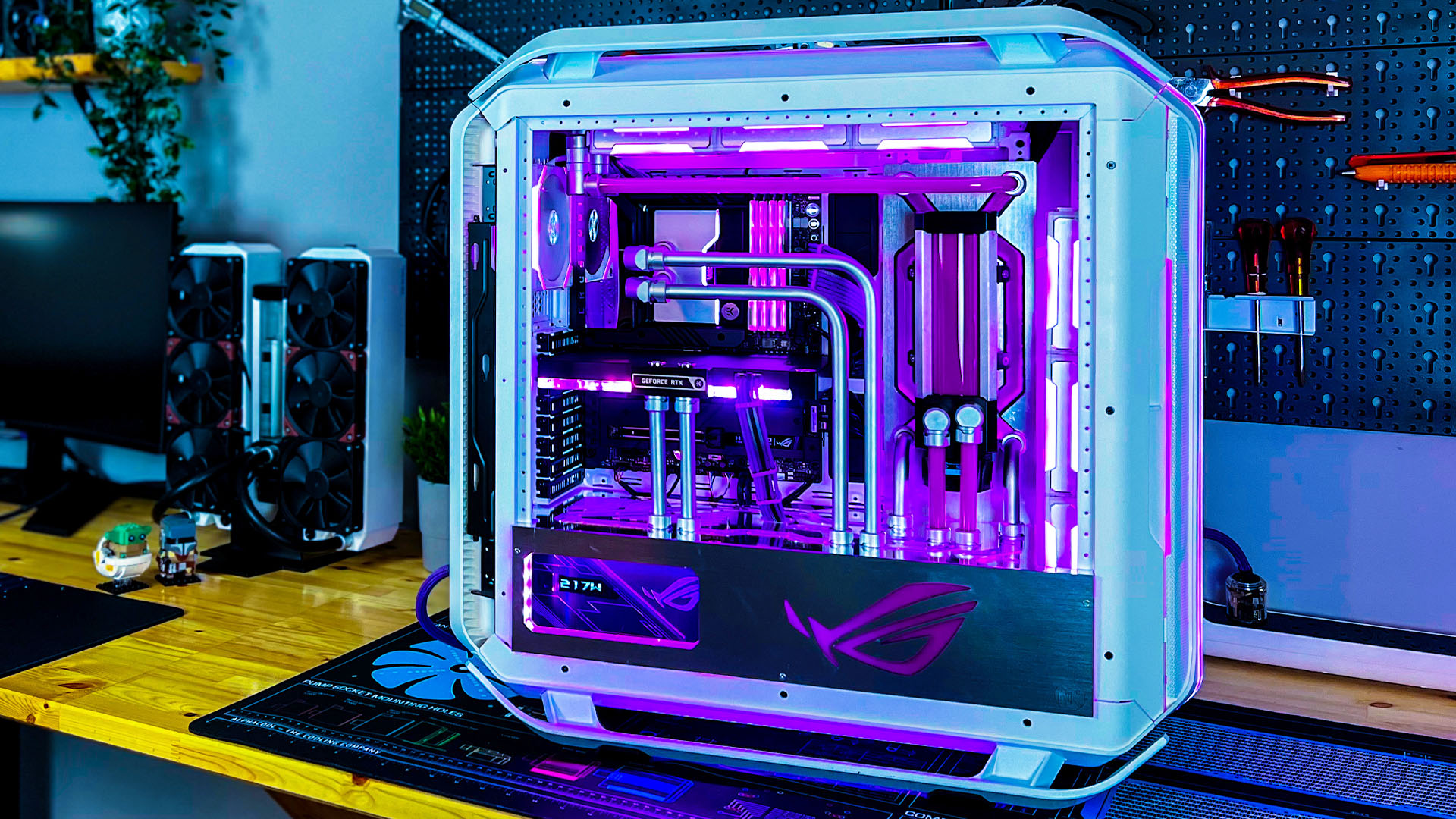


Best Gaming PC Builds For 2026 Best Gaming PC Builds For 2026.webp. Desktop Reviews Analysis And Buying Guides Tom S Hardware Tom S . 109 Best PC Builds The Top New Gaming Setups Custom PC . Is It Worth Rebuilding Your Old Computer 2026 Upgrade Guide KVS A Stunning 2026 Custom Built G 1 1024x559 . Building An Enthusiast Grade PC Build For 2026 GeekaWhat FI DM87 HAVN BF RTX 5090 Build

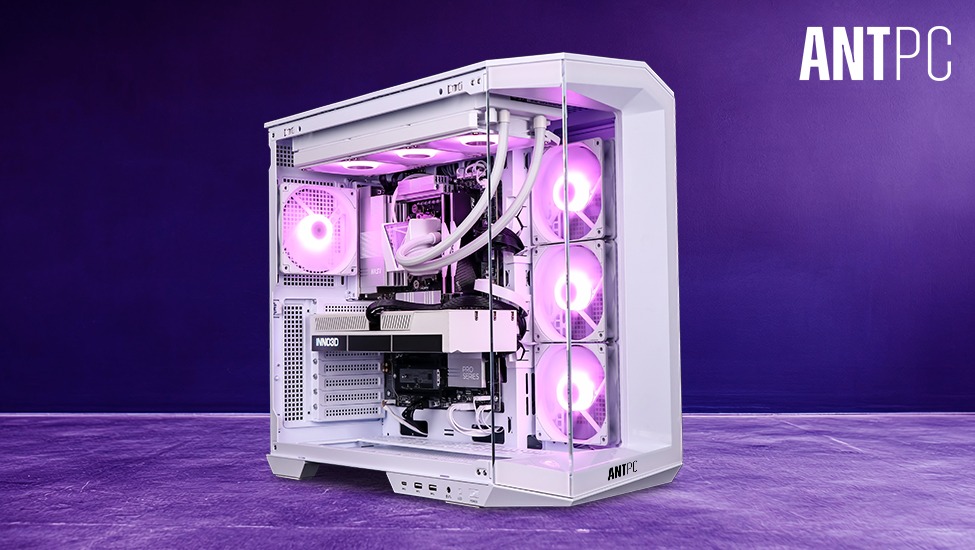


Australia S Best Custom PC Builder 2026 Evatech 200118 1.webp. How To Build A Future Proof Gaming PC In 2026 Complete Custom Build Guide 1773043345 . Top 10 Best Desktop Computers 2026 For Home Office And Work Lenovo Legion Tower 7i 2026 High Performance Desktop Computer With RGB Lighting Featured In. Tech Guided Tech Guides PC Builds Hardware Reviews Best Customer PC Builder Website 2026 768x432 . Custom Built Vs Off The Shelf Why Bespoke PCs Are Better KVS A Stunning 2026 Custom Built G 1 1024x572

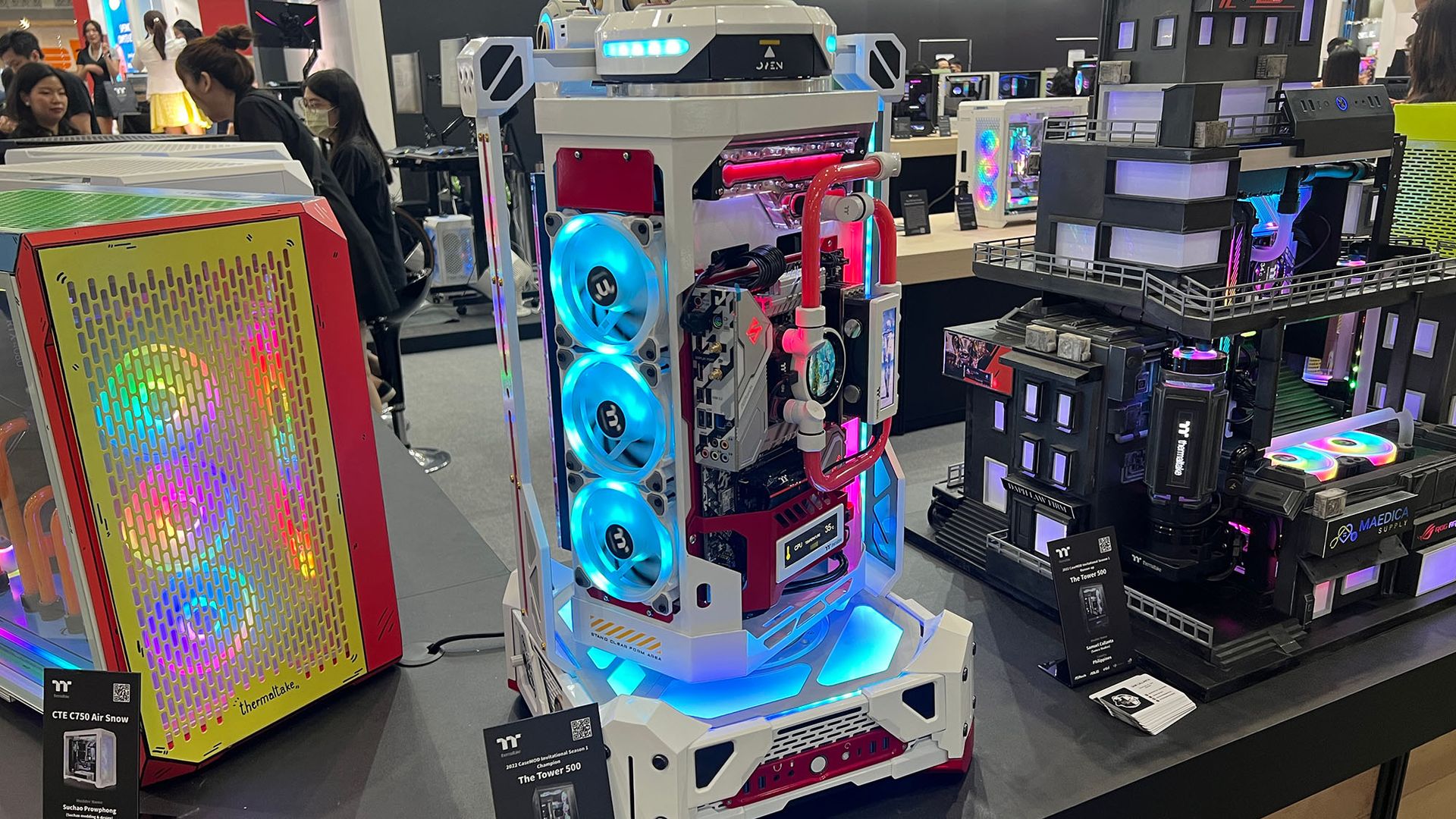

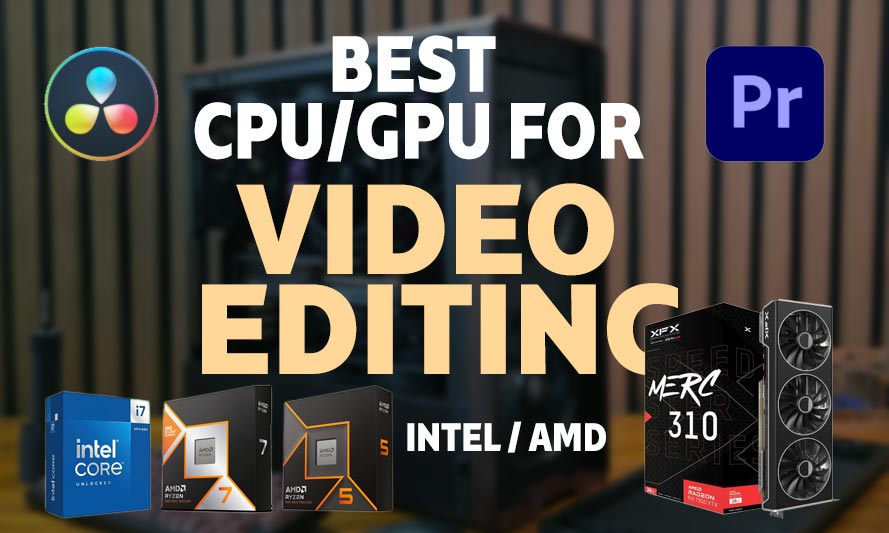
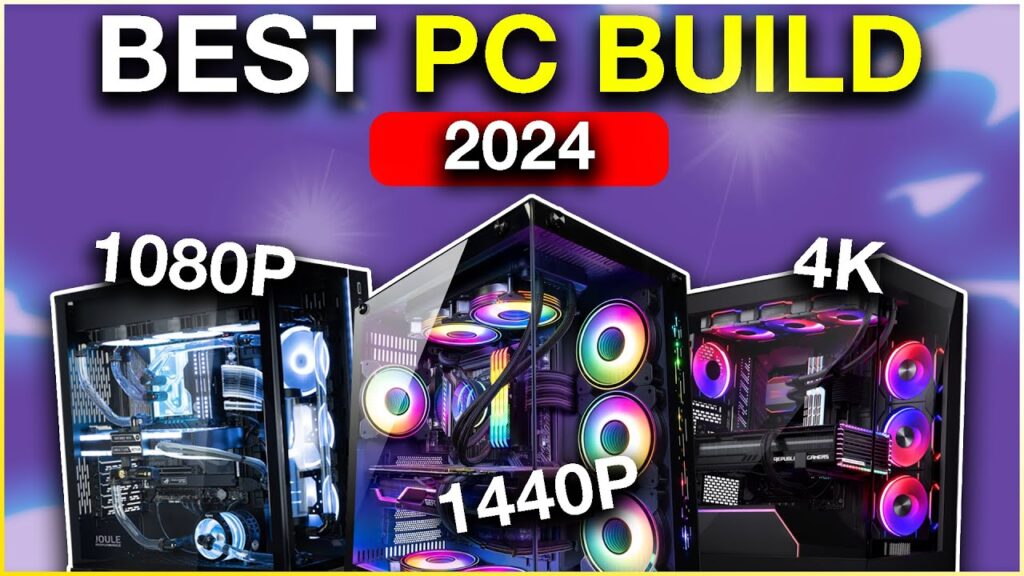
Best Gaming Computers In 2026 9meters Hpaq Kbcyhk 1536x1059 . The Wildest PC Builds I Ve Seen At Computex 2023 And One Of The 1920 80 . Top 10 Best Desktop Computers 2026 For Home Office And Work Lenovo Legion Tower 5i 2026 Budget Desktop Computer For Home Office Among Best Desktop. Best PC Parts For Upgradeable Desktop For Coding 4K Video Editing And Best CPU And GPU For Video Editing . System Build Ars Technica System Guide Falling Prices Are More Best PC Build 2024 1024x576
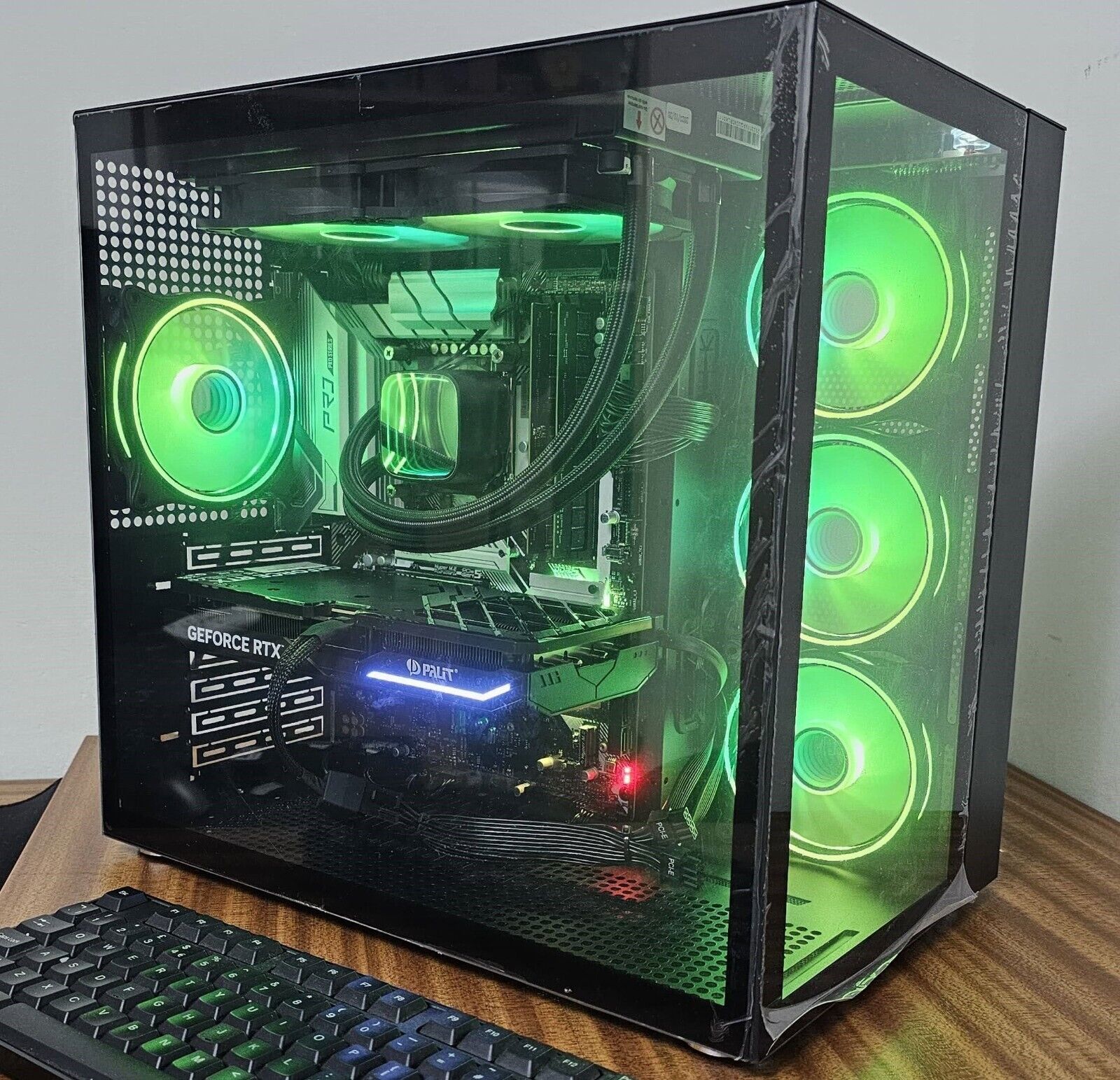
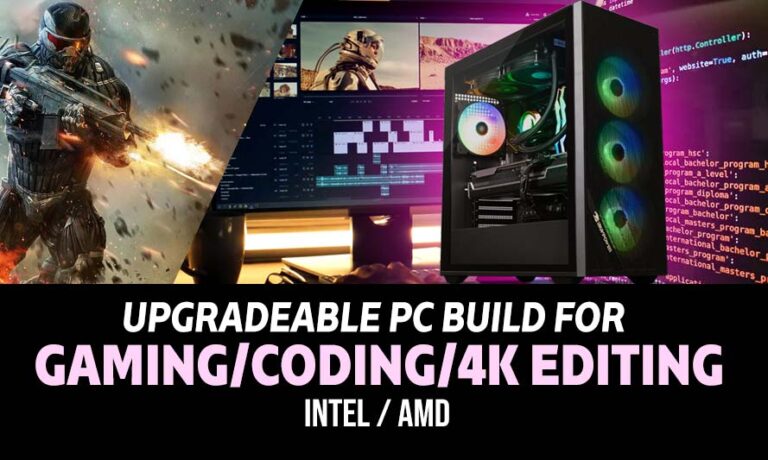

Best Sim Racing PC UK 2026 Custom Builds For IRacing ACC We Build 57 C8998bb0 8c4f 4104 90a8 . What Is The Best 4K Video Editing PC Build List For 2026 Build My PC Best PC Build For Blender . Best PC Parts For Upgradeable Desktop For Coding 4K Video Editing And PC Build For Coding Gaming 4K Video Editing 768x460 . Best RTX 5060 PC Build Under 1 Lakh In India As Of 2026 Best RTX 5060 PC Build Under INR1 Lakh In India As Of 2026 1024x683 Jpg.webp. Best Pc Build For Pro Tools Best PC Builds 01



10 Best Custom PC Builder Websites . 10 Best Custom PC Builder Websites . Best PC Gaming Computers In Canada In 2026 What To Know Before You Bu Best Prebuilt Gaming PCs In Canada For 2026 What Actually Matters . Best Custom Build Pc Uk Pre Built Gaming Pcs Uk WITDX IMG 8762 . 6 Best Desktop Computers 2026 YouTube
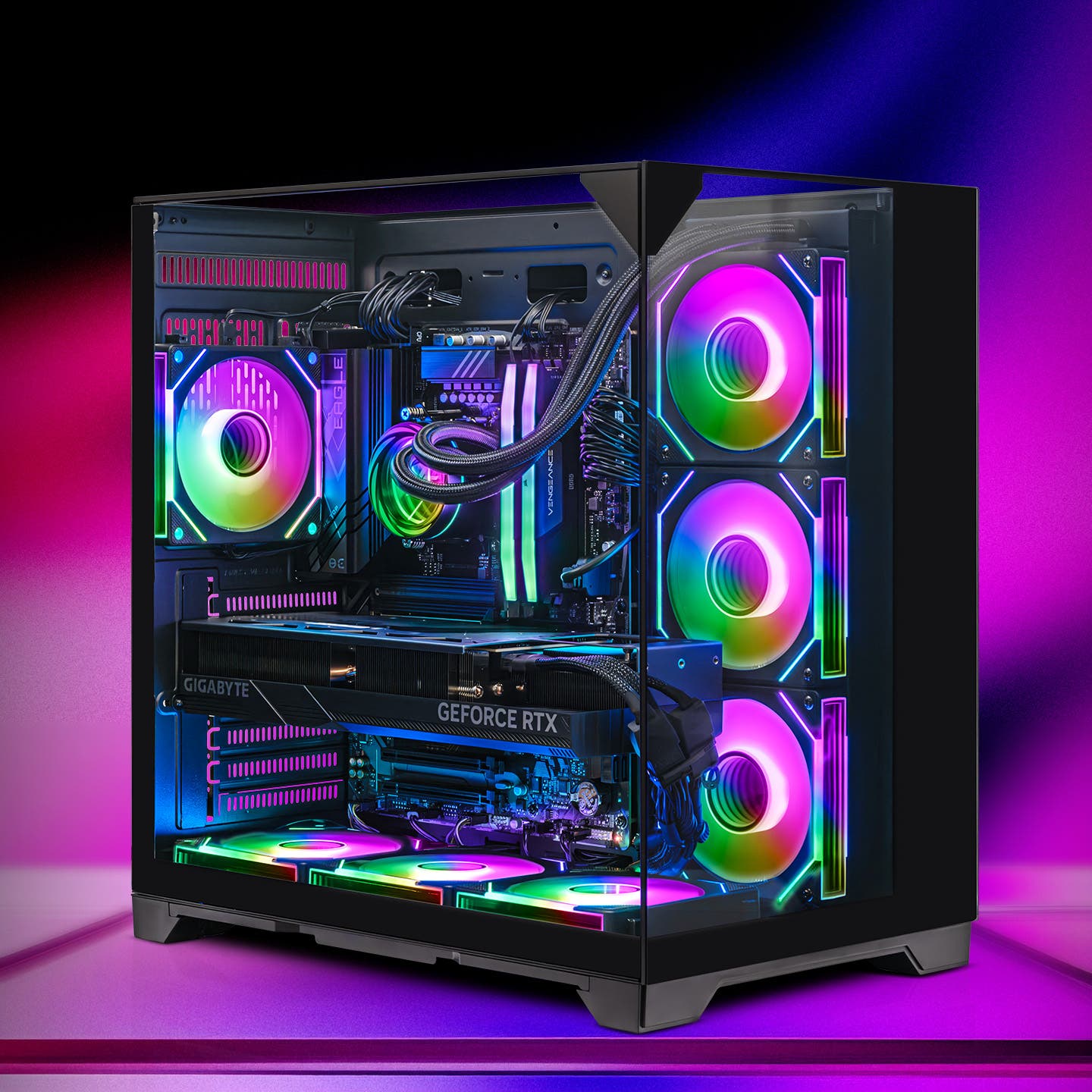


Good Cheap PC Is It Real For You 8ca85 1920 . Prebuilt Gaming PCs Ready To Ship Gaming Rigs For Every Budget AWD AWD 6 . Dan S Custom Built Gaming Beasts IMG 8625 Ed9818ac Ad86 4c52 957e . Australia S Best Custom PC Builder 2026 Evatech 197160 3.webp. The 15 Best Gaming PC In 2026 Tested Reviewed Com Best Business Desktop Computers



Gaming PC Buying Guide 2026 Prebuilt Vs Custom Build Gaming Pc Buying Guide 2026 . Best RTX 5060 Ti PC Build Guide Under 1 5 Lakh In 2026 Best RTX 5060 Ti PC Build Guide Under INR1.5 Lakh In 2026 1024x683 Jpg.webp. Custom Gaming Pc Builder Pc Builder Download YAPB . Gaming Gadgets Repair Services Expert Gaming Console Repair The Website Banner TMH 1024x487 . Best Gaming PC Builds 2026 Budget Guide IMG 0195